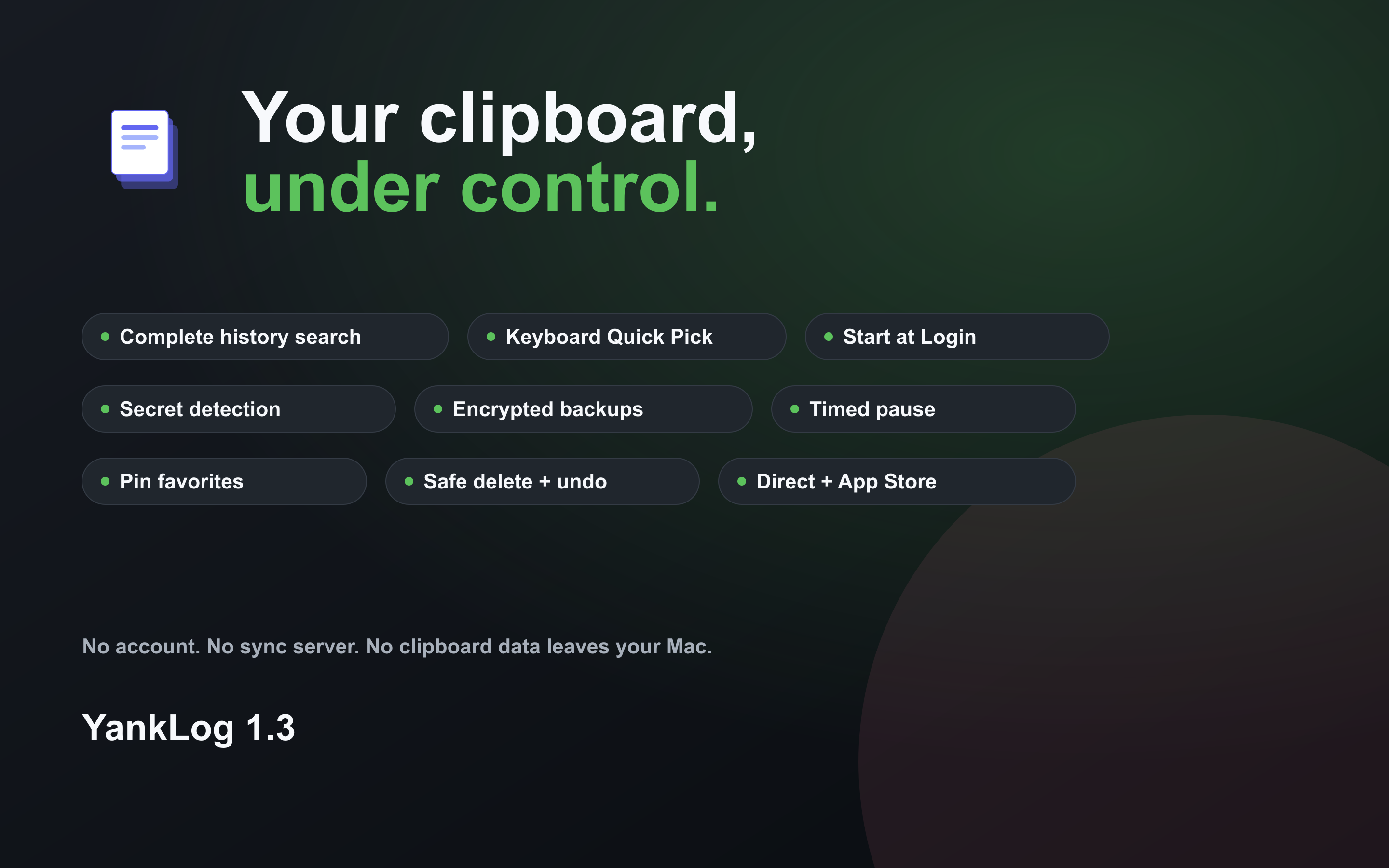
A calmer app with stricter privacy.
YankLog 2.5 for Linux is now on Flathub. It brings the redesigned main window, Quick Pick, and settings from the Mac app, and the Flatpak build works on GNOME Wayland without X11 or a tray icon. YankLog 1.4 for macOS introduced that design and applies your privacy rules to every copy. Both build on 1.3, which brought complete-history search, encrypted backups, and safer history management to macOS and Linux.
Current versions
| Channel | Version | Delivery |
|---|---|---|
| Mac App Store | 1.4.0 | Native macOS app. Updates arrive through the Mac App Store. |
| macOS direct | 1.4.0 | Signed and notarized universal build with its own updater. |
| Linux | 2.5.1 | Flatpak on Flathub, plus AppImages for x86_64 and aarch64. |
New in Linux 2.5
- Now on Flathub
- YankLog is published on Flathub, so you can install it from your software center and receive updates there. The AppImage installer and the self-hosted Flatpak repository remain available.
- The new design, on Linux
- History is grouped into Pinned, Today, Yesterday, and Earlier, with one-line rows and actions on the row you point at. Quick Pick shows the full text of the highlighted clip beside the list, and Tab switches between all and pinned clips.
- No tray icon required
- The main window has a menu with Quit YankLog (Ctrl+Q), so you can quit without a tray icon. Closing the window still keeps YankLog running in the background.
- Flatpak on GNOME Wayland
- The Flatpak build captures the clipboard on GNOME Wayland without X11, and keeps its database key through the Secret portal, so it works whatever password manager you use. Earlier Flatpak builds stored the key in the system keyring, which this version cannot read: the old history is set aside and YankLog starts a new one. The AppImage is not affected.
- Settings that apply at once
- Settings use the standard GNOME preferences layout, with one setting per row and the selected tab highlighted. Changes to privacy rules, the history limit, and the keep-history period apply without a restart.
- Pausing and startup you can rely on
- Nothing copied while YankLog is paused is saved, and a pause stays on after a restart. Starting at login no longer runs a second copy of the app, and waits for the keyring instead of quitting when it is not ready yet.
- Faster Quick Pick
- The keyboard shortcut reuses the app that is already running, so Quick Pick opens much faster. You can type j and k in the search field; Vim-style movement is now Ctrl+J and Ctrl+K.
New in macOS 1.4
- A clearer main window
- History is grouped into Pinned, Today, Yesterday, and Earlier. The selected clip shows its details and actions, and the arrow keys move through the list while you search.
- See the whole clip in Quick Pick
- Quick Pick shows the full text of the highlighted clip beside the list. Press Tab to switch between all clips and pinned ones.
- Privacy rules on every copy
- Secret detection, one-time-code filtering, ignored words, the history limit, and the keep-history period are applied each time you copy. Clips that password managers mark as private are never recorded.
- Pausing you can rely on
- Nothing copied while YankLog is paused is saved when you resume, and an indefinite pause stays on after a restart.
- Quick Pick where you are working
- Quick Pick opens on the display with the pointer and over full-screen apps. Its search field supports paste and input methods.
- Simpler settings
- Each setting has its own row with a short explanation. Ignored words are added and removed as individual items, and the shortcut recorder accepts Space and function keys.
Introduced in 1.3
- Search the complete history
- Search is no longer limited to the entries already loaded in the window. Results page in responsively, even with a large history.
- Move history safely
- Export password-encrypted backups of everything, pinned clips, or selected items. Restore between direct and App Store installations.
- Work keyboard-first
- The redesigned Quick Pick makes selection clearer and adds direct shortcuts for copying, pinning, and removing entries.
- Capture less sensitive text
- Secret detection, OTP filtering, ignored patterns, retention rules, and timed pauses provide finer control over what is saved.
- Delete with confidence
- Bulk clearing now confirms the affected history and can preserve pinned entries. Individual deletions can be undone.
- A more native desktop app
- Onboarding, auto-saving settings, shortcut guidance, start-at-login controls, and state-aware menu bar or tray behavior are included.