Clipboard history that never leaves your machine.
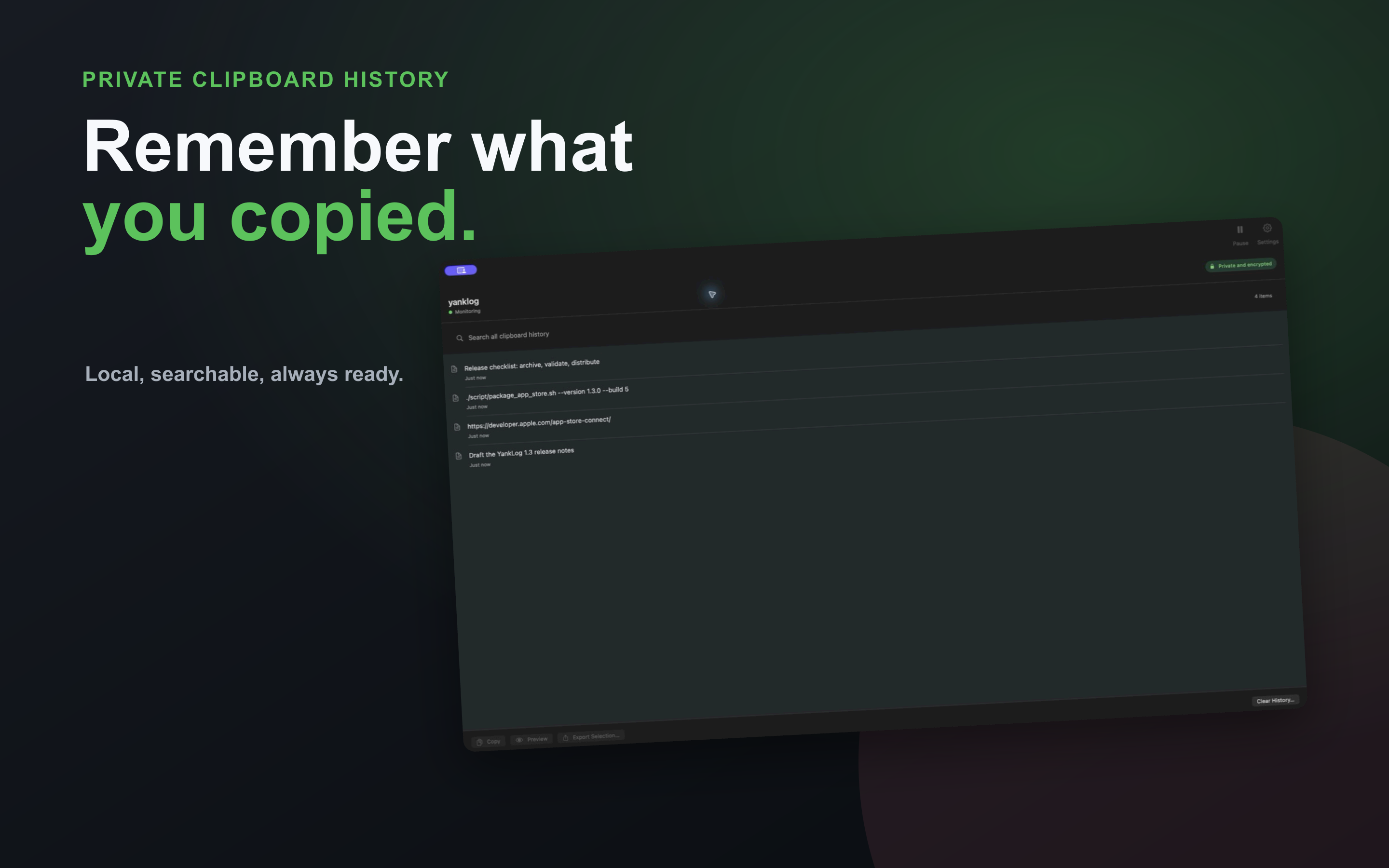
yanklog keeps a private, searchable record of what you copy. Search the whole history, paste from it without leaving the keyboard, and move it between installations as an encrypted backup.
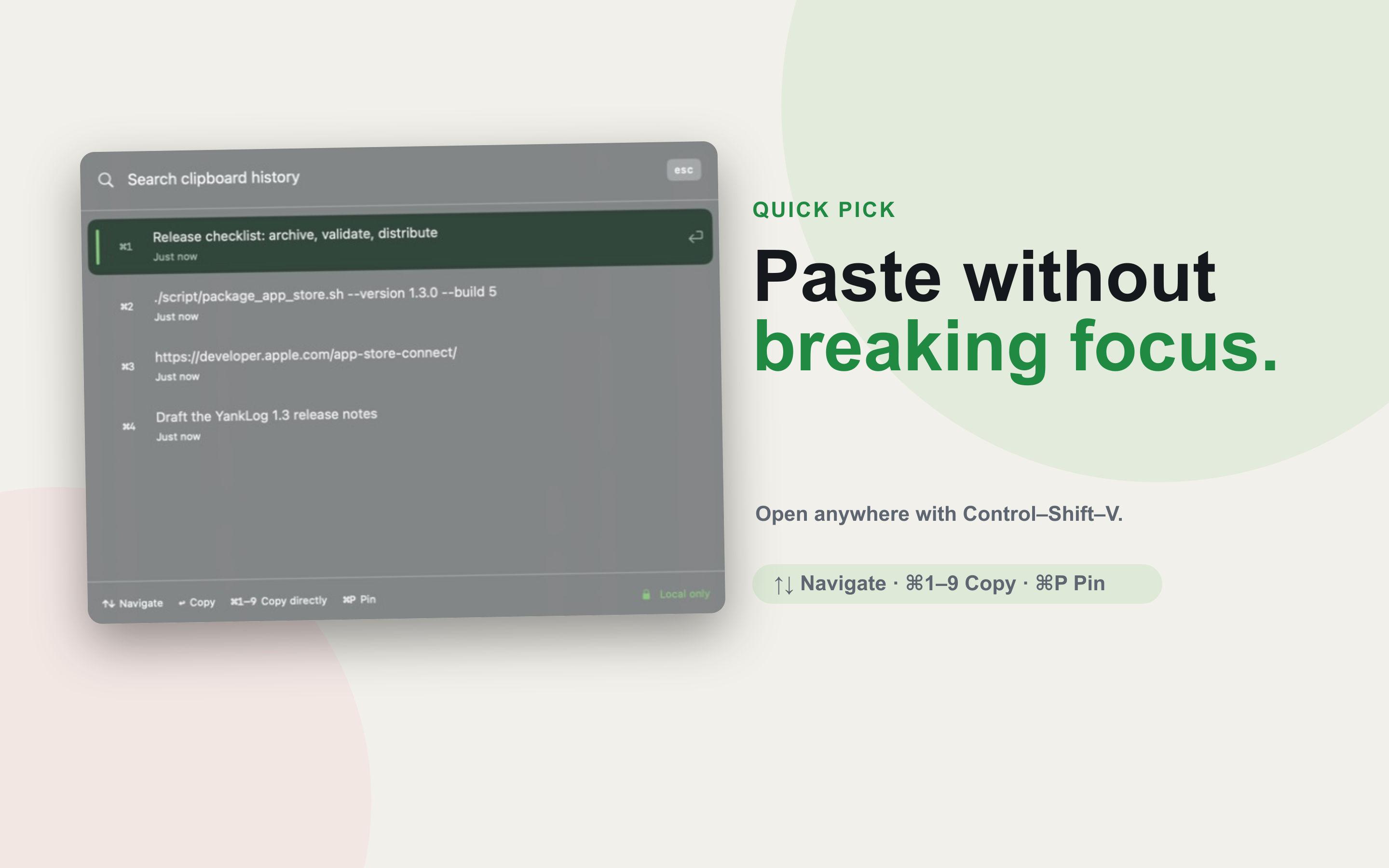
- ⌘1git rebase -i HEAD~3Just now
- ⌘2https://downloads.yanklog.com/install.sh2 min ago
- ⌘3Release checklist: archive, validate, distribute14 min ago
- ⌘4bindsym $mod+v exec yanklog --pick1 hr ago
- ⌘5ssh deploy@staging-023 hr ago
- ⌘6flatpak run com.yanklog.YankLogYesterday
- No clips match that search.
This is Quick Pick with example clips. Type to filter, use the arrow keys, and press Enter to copy one.
- Platforms
- macOS 13+, Linux
- Storage
- Encrypted local database
- Network
- Update checks and downloads only
- Price
- Free
Quick to open, predictable in the background.
A clipboard manager should get out of the way and be explicit about where your data lives.
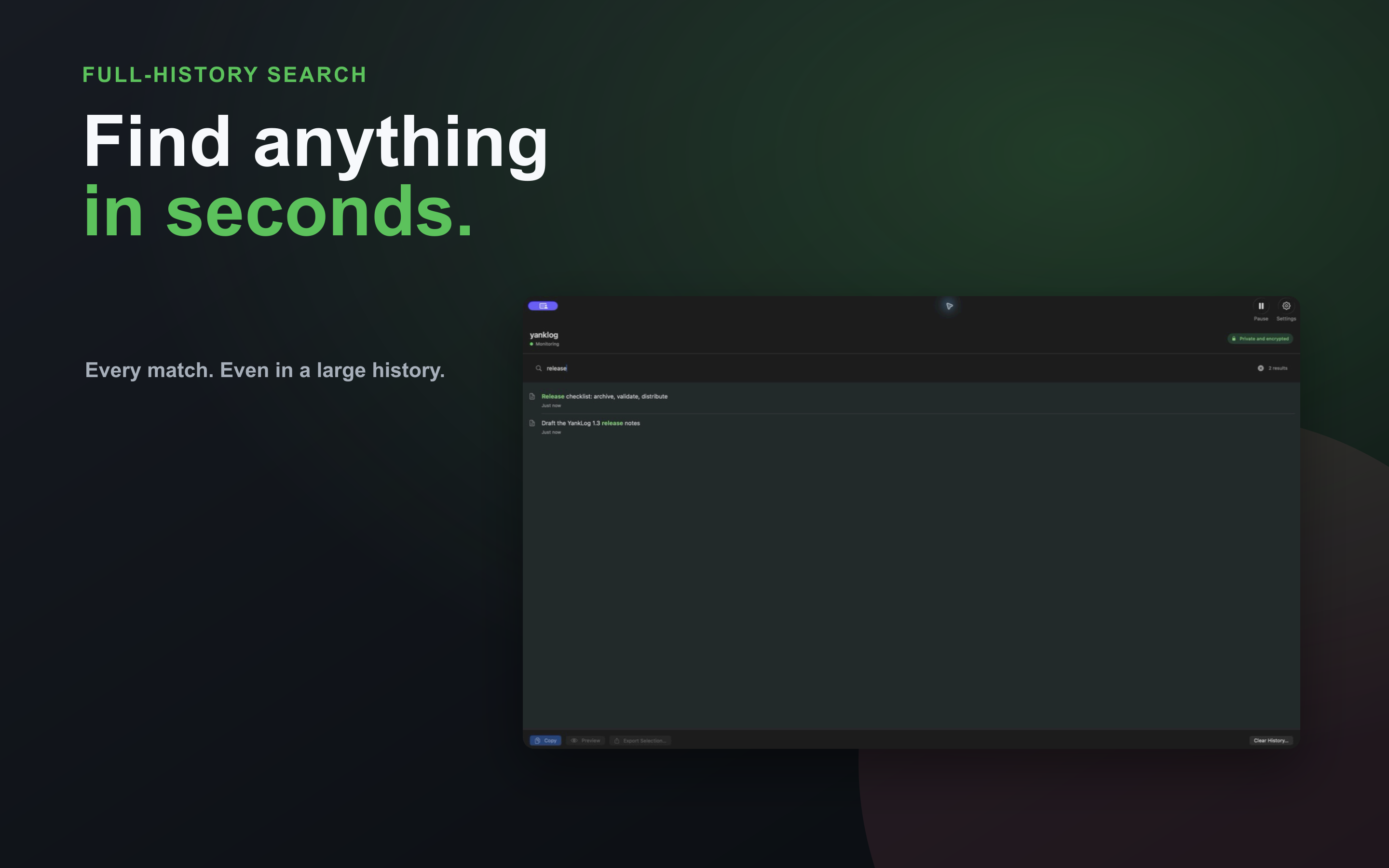
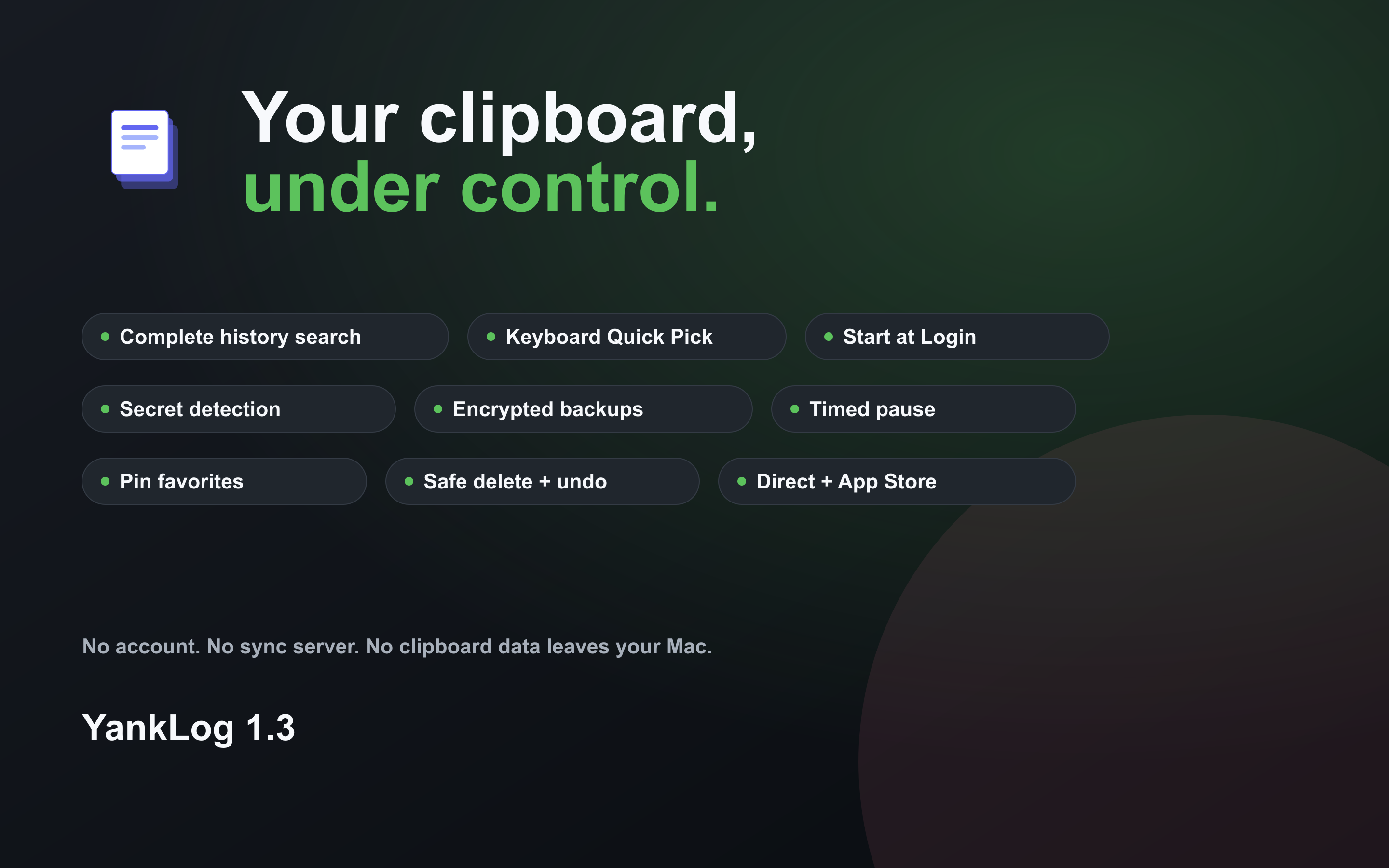
- SearchFind every matching clip
- Search the complete encrypted history with responsive paging and visible result counts.
- Quick PickStay on the keyboard
- Search, copy, pin, or remove an item with arrow keys and direct number shortcuts.
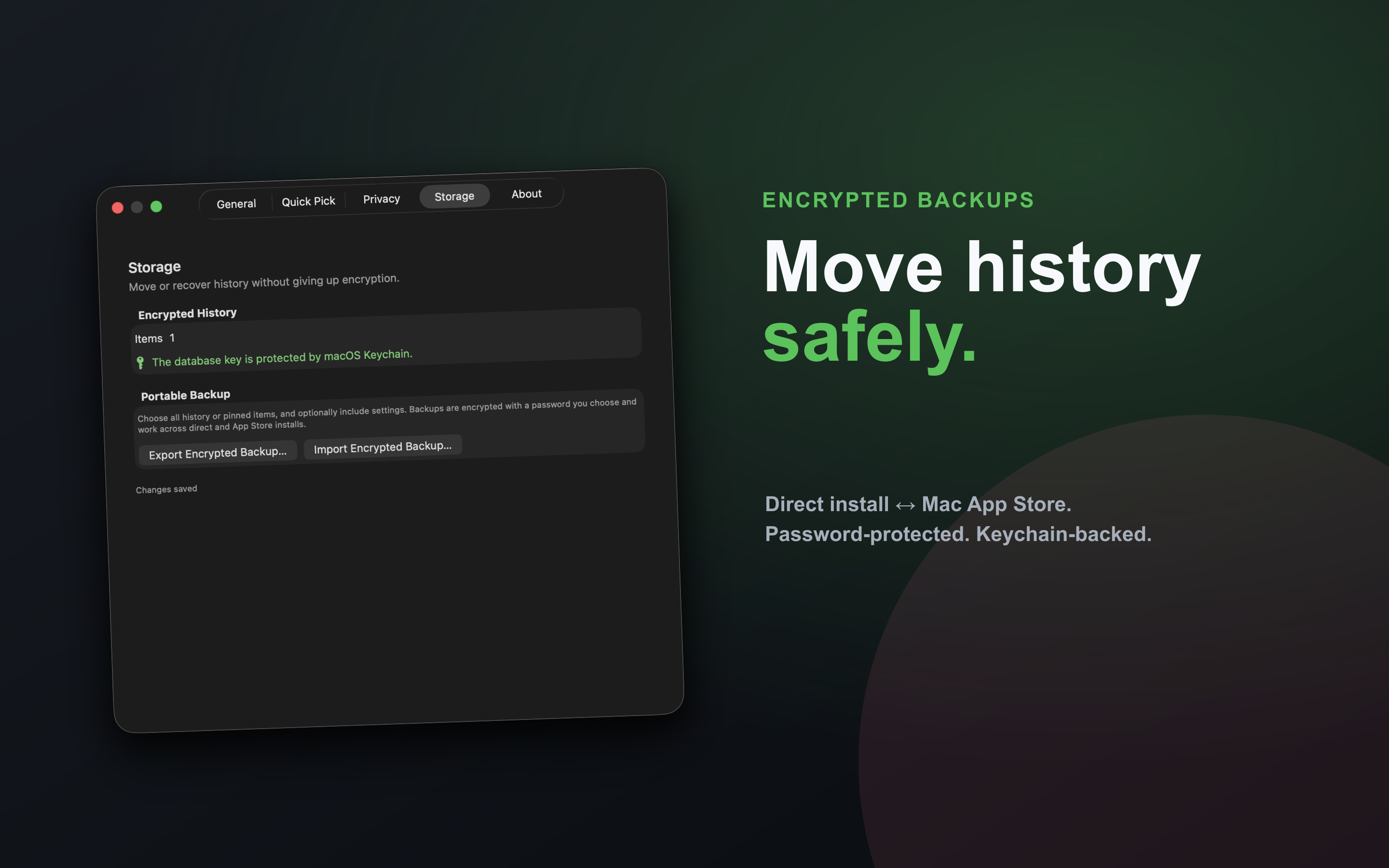
- BackupMove history safely
- Create password-encrypted backups of all history, pinned clips, or selected items and restore them across installations.
- PrivacyCapture only what you intend
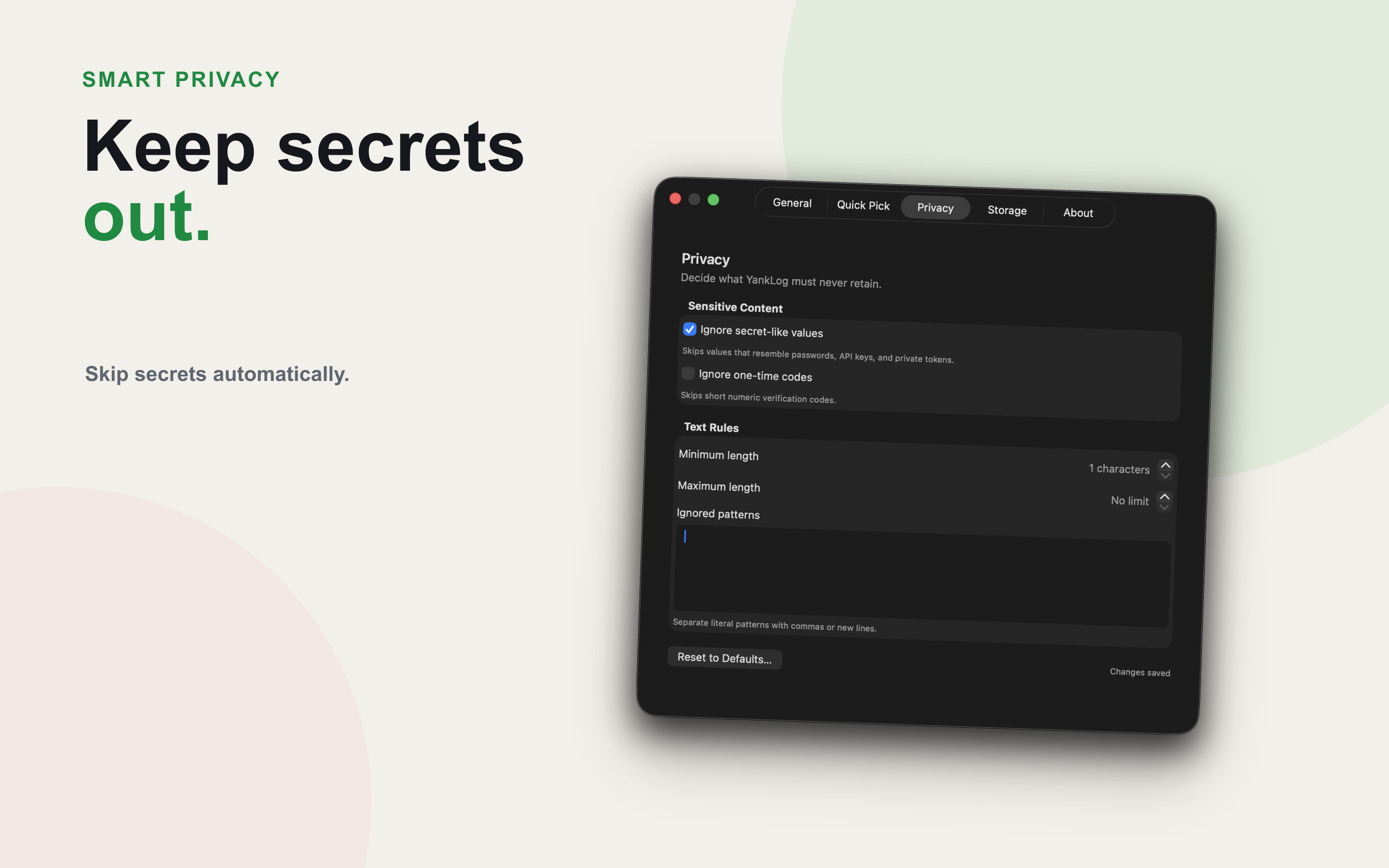
- Filter secret-like text, one-time codes, and custom patterns, or pause monitoring for a chosen duration.
- SafetyUndo destructive actions
- Confirm bulk clearing, keep pinned entries, and undo individual deletions.
- NativeFits each desktop
- Auto-saving settings, onboarding, start-at-login controls, and state-aware menu bar or tray behavior.
A simple trust model.
Local-only data, encryption at rest, and explicit user controls. The Linux app and shared Rust core are open source under MIT. The macOS app, website, and release infrastructure are proprietary.
- Local-only design
- Your clipboard history stays on your machine and is never uploaded.
- Encrypted history
- The history database uses SQLCipher. macOS protects its key in Keychain. Linux uses Secret Service with a protected-file fallback.
- Source boundary
- Linux users can audit and build the native app and core. macOS users should evaluate the App Store build as proprietary software.
Install and update.
On macOS, the Mac App Store handles updates for you, and on Linux, Flathub does. Direct installs use hosted scripts that you can download and read before running.

macOS, from the Mac App Store
Recommended on macOS. Free, with updates delivered by Apple.
Linux, from Flathub
Recommended on Linux. Install from your software center, or with one command.
flatpak install flathub com.yanklog.YankLogLinux installer
Download the installer, read it, then run it. --no-path-update stops it from editing your shell startup files.
curl -fsSLO https://downloads.yanklog.com/install.shless install.shsh install.sh --no-path-updatemacOS direct install
The signed and notarized universal build, outside the App Store.
curl -fsSLO https://downloads.yanklog.com/install-macos.shless install-macos.shsh install-macos.shBuilding from source, pinning a version or architecture, updating, and uninstalling are covered in the installation docs.
Current versions.
| Channel | Version | Delivery |
|---|---|---|
| Mac App Store | 1.4.0 | Native macOS app. Updates arrive through the Mac App Store. |
| macOS direct | 1.4.0 | Signed and notarized universal build with its own updater. |
| Linux | 2.5.1 | Flatpak on Flathub, plus AppImages for x86_64 and aarch64. |